Client Portals for Architecture Offices — How to Stop Answering 'Any Updates?' Emails
The client calls asking for a status update even though the project is on track. That's not a difficult client — it's an information gap, and one tool closes it.

Wednesday, 11:40 am. You’re deep in a parapet detail when the phone rings. It’s the client. “Hi, I was just wondering, any news on our project?” You explain, reassure, hang up.
You go back to the drawing, but it takes your brain fifteen minutes to get back to where it was. Next week, same call.
It’s tempting to blame the client. Unfair, though. They’re not calling to check up on you. They’re calling because there is no other way for them to find out.
In short
- “Any updates?” calls come from a lack of information, not from a wish to control you.
- A client portal shows the stage, history, documents and the message thread behind one link.
- Status communication costs an office 2 to 5 hours a week, 100 to 250 hours a year.
- Start with one project, and make the status update part of closing a stage.
Where these calls come from
An investor building their first home has no reference point. They don’t know that two weeks of silence during permit design is normal working pace rather than a sign that something has stalled. You know it, because you’ve been through dozens of projects. They’re going through their first, often with their life savings on the line.
Uncertainty breeds reactive communication. The client asks, you answer, the client relaxes for a few days. Then the uncertainty creeps back and the cycle repeats. Answering the questions doesn’t break the loop. Removing the reason the questions get asked does.
What a client portal is
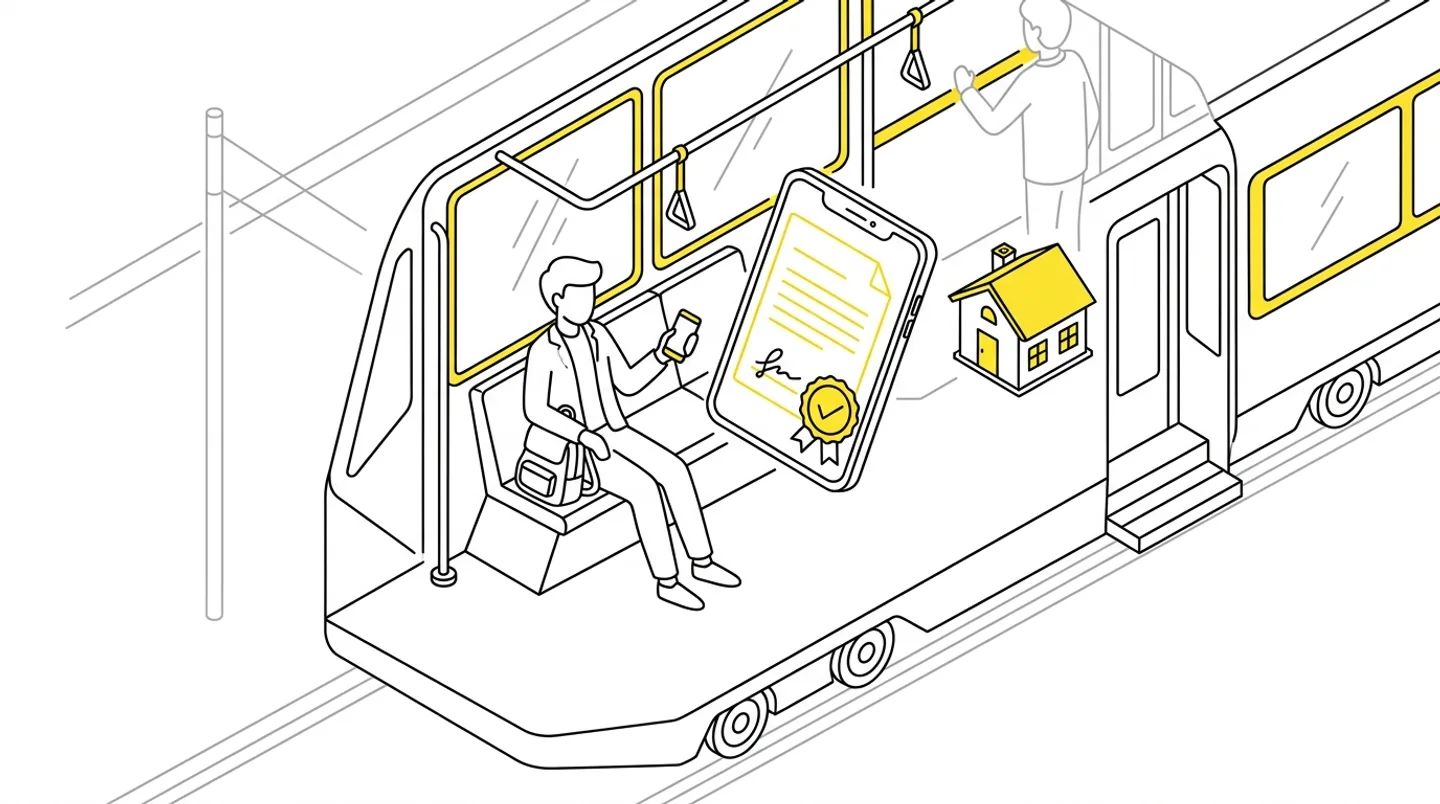
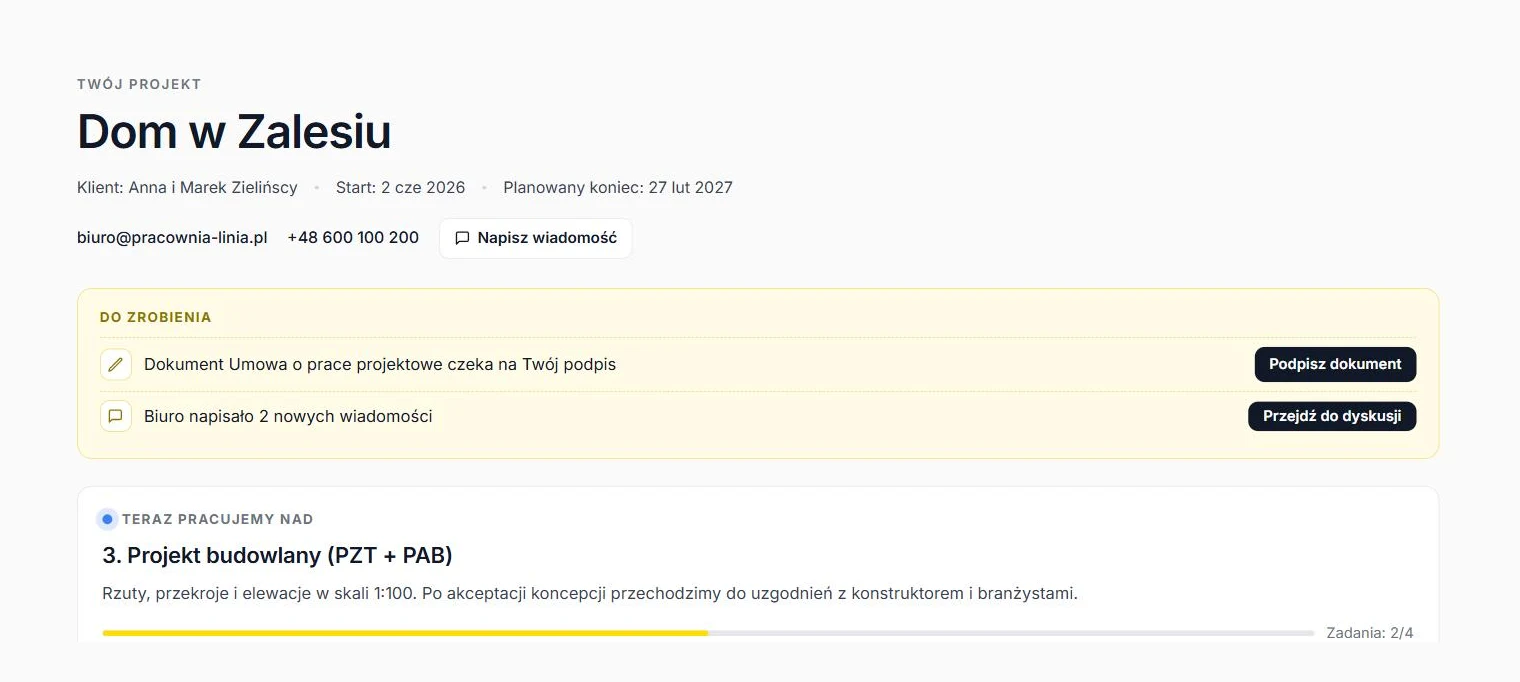
A client portal is an online view of the project for the investor, usually reachable through a link. An account, with a password or a Google login, is optional if the client wants one. They open the portal like an ordinary web page and see in one place:
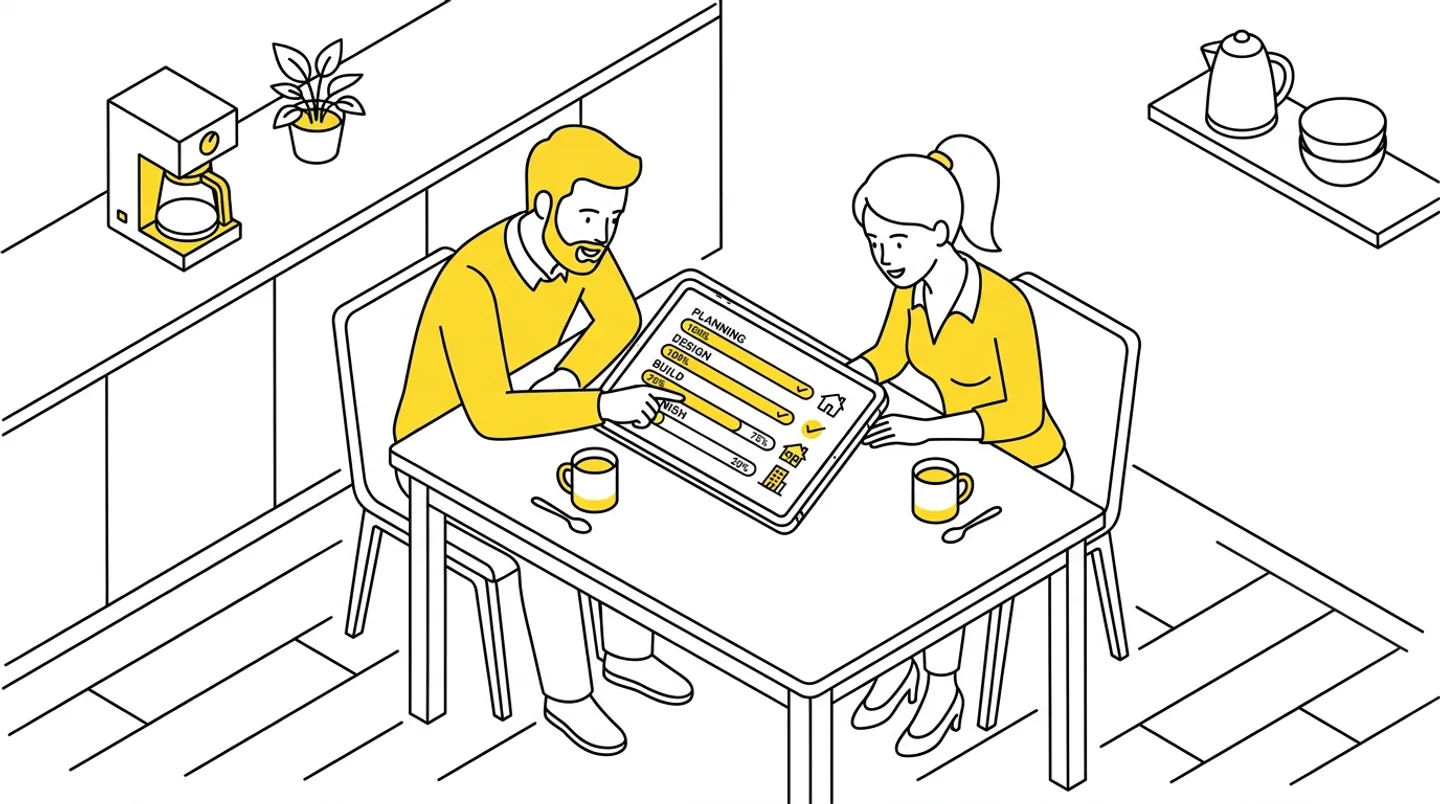
- the current project stage (concept, permit design, permit processing, execution design, supervision),
- a history of completed stages with dates,
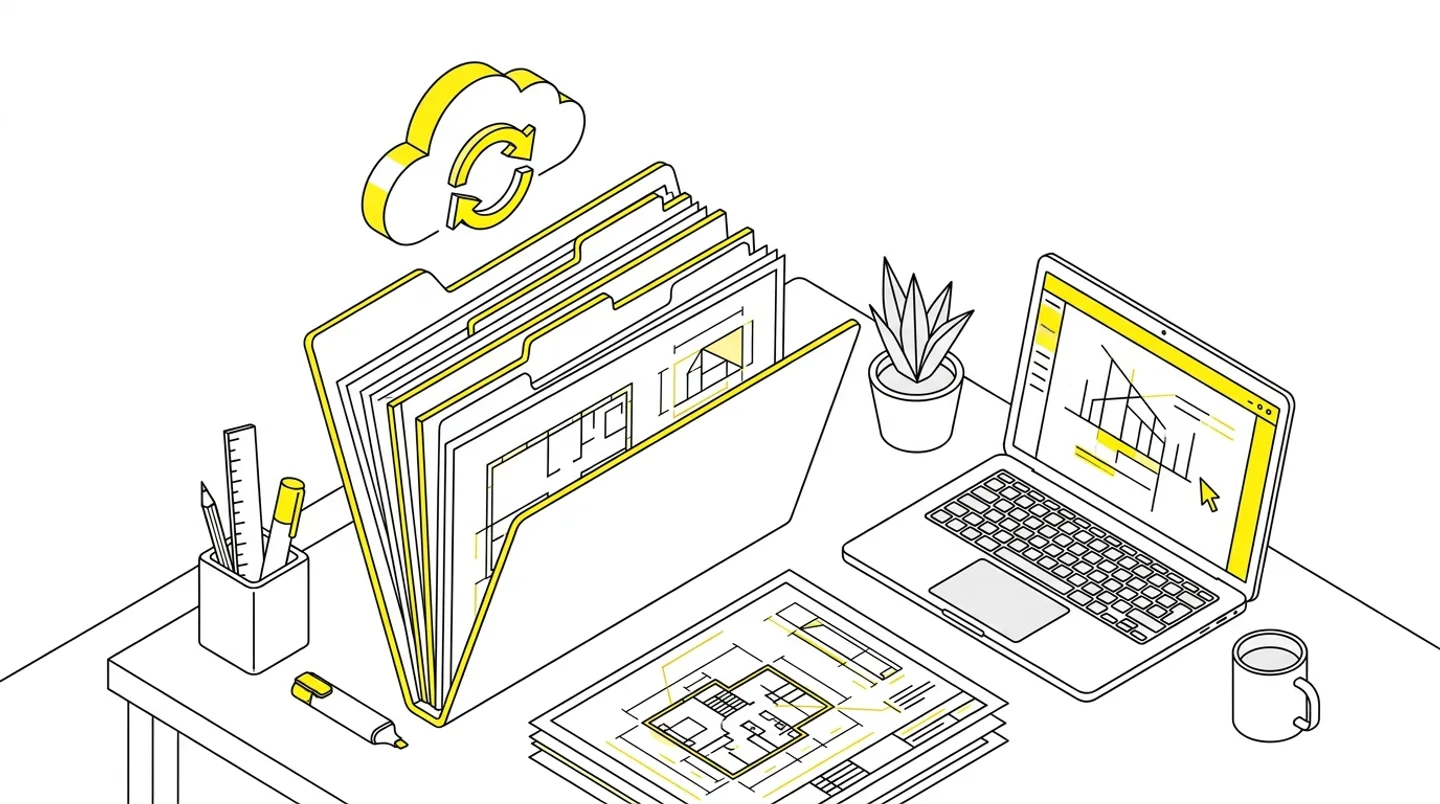
- documents available for download,
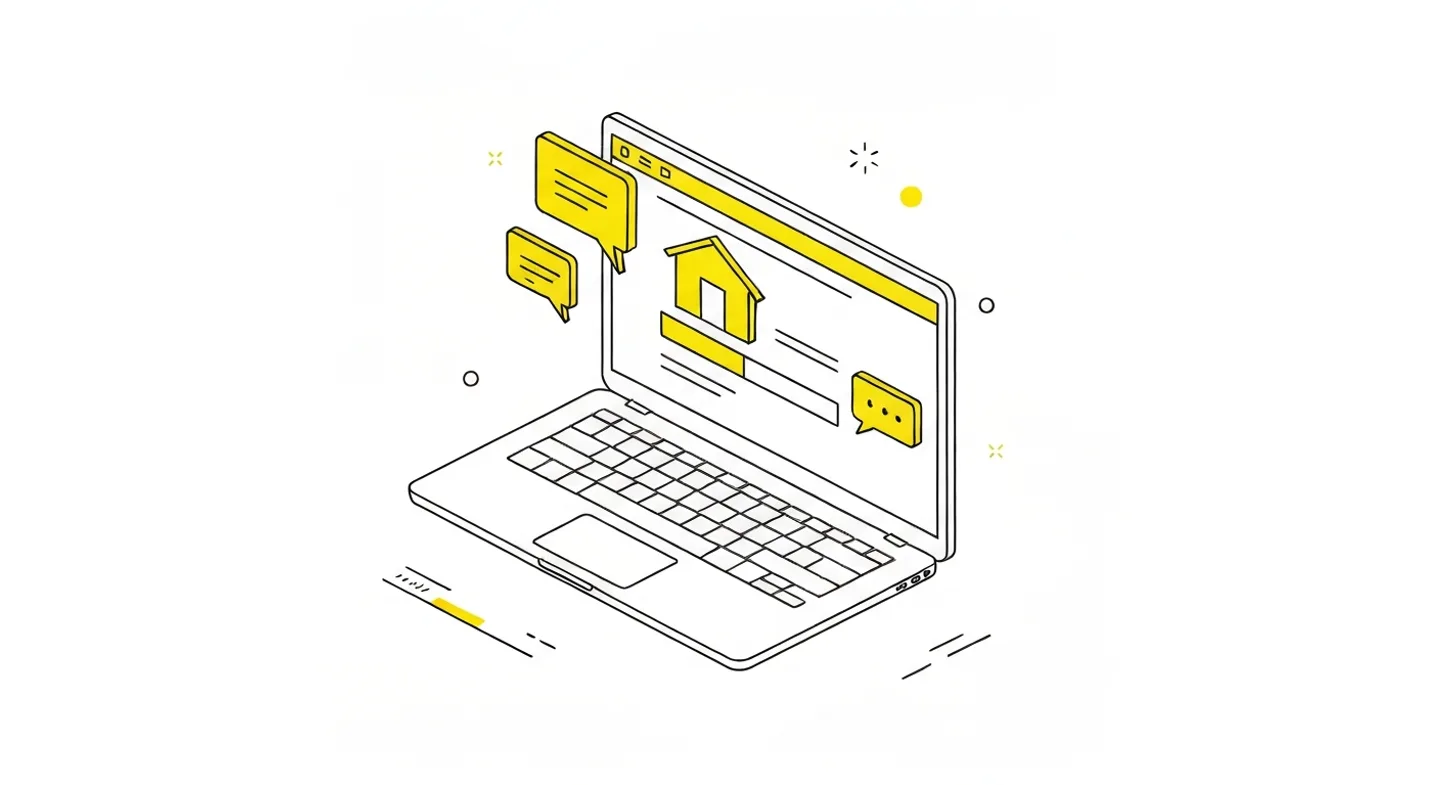
- a single message thread with the office instead of scattered email chains.
Put simply, the answer to “any updates?” becomes available around the clock and involves nobody on your team.
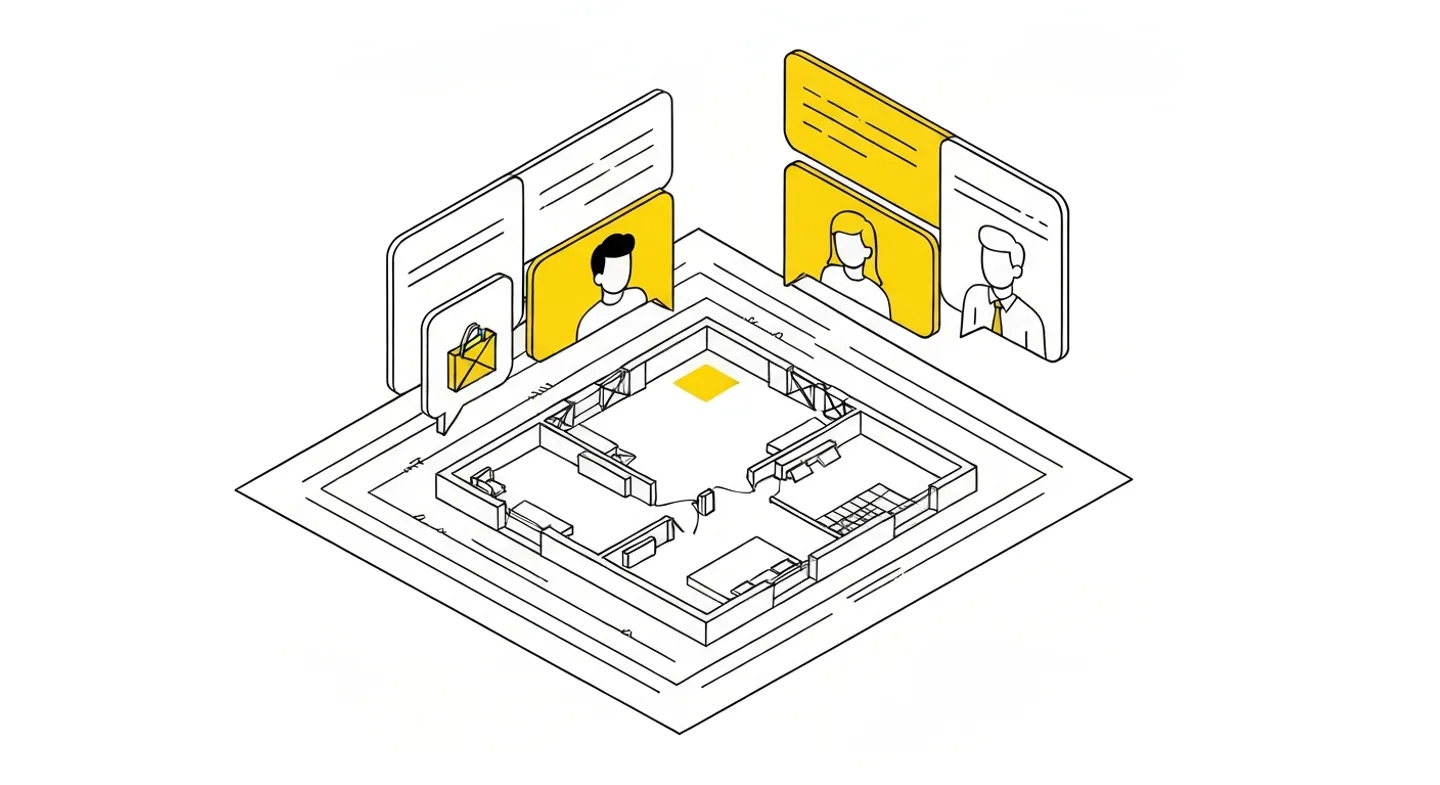
Count what the status quo costs you
Before you file this under cosmetic problems, run an experiment. For one week, log every client contact that is purely about project status: emails, calls, texts. Count the minutes. I’d add the cost of broken focus on top, because a phone call in the middle of concept work costs far more than the five minutes it lasts.
Offices we spoke to while building ArchiFlow came out of this exercise at 2 to 5 hours per week across a portfolio of 8 to 12 active projects. Over a year, that’s 100 to 250 hours. At typical billing rates, you’re looking at tens of thousands spent annually on telling clients things that could communicate themselves.
What the client gets, and why that’s your business
In architecture, most new commissions arrive through referrals. And the client who refers you isn’t the one who got a beautiful house (necessary, but not sufficient). It’s the one who felt looked after through the whole process.
A portal changes the collaboration in several places at once. The client knows what stage the project is at, so they stop writing disaster scenarios in their head.
Documents are at hand instead of buried “somewhere in the emails from March.” Messages live in one thread rather than a chain with five people in CC. Fewer misunderstandings, less tension, a better conversation at handover.
There’s a side effect few people think about: a written history of stages and decisions is worth a lot when, a year later, a client insists “nobody told me” about a design change. The portal remembers.
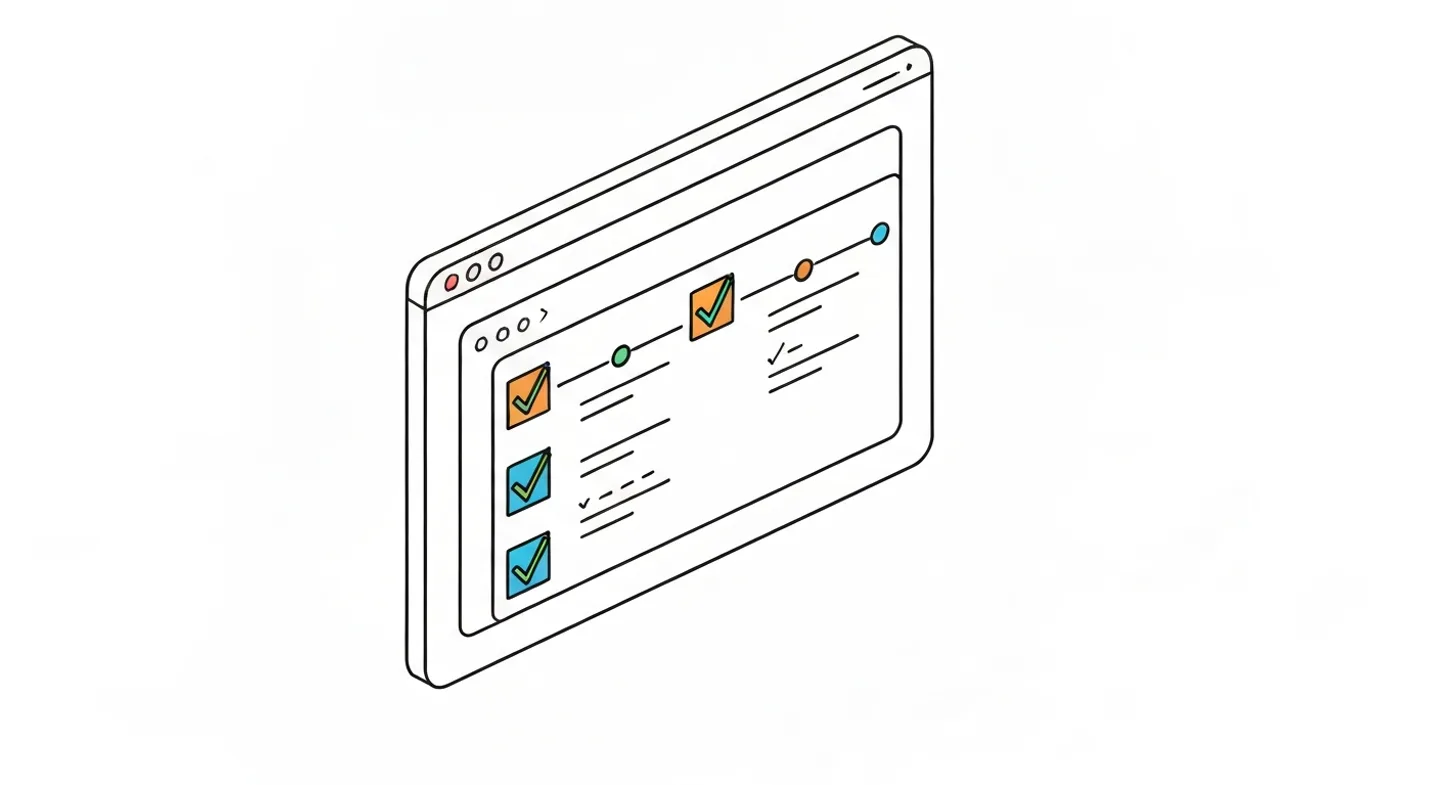
How to roll it out so it sticks
Path 1: general-purpose tools
Path one: build something yourself with Notion, Google Sites, or a shared spreadsheet. Near-zero cost, and as a starting point it’s a fair option. The downsides show up over time. Everything is updated by hand, the presentation is what it is, and with eight projects running, maintaining eight pages becomes a chore of its own that the team quietly abandons.
Path 2: a system built for design practices
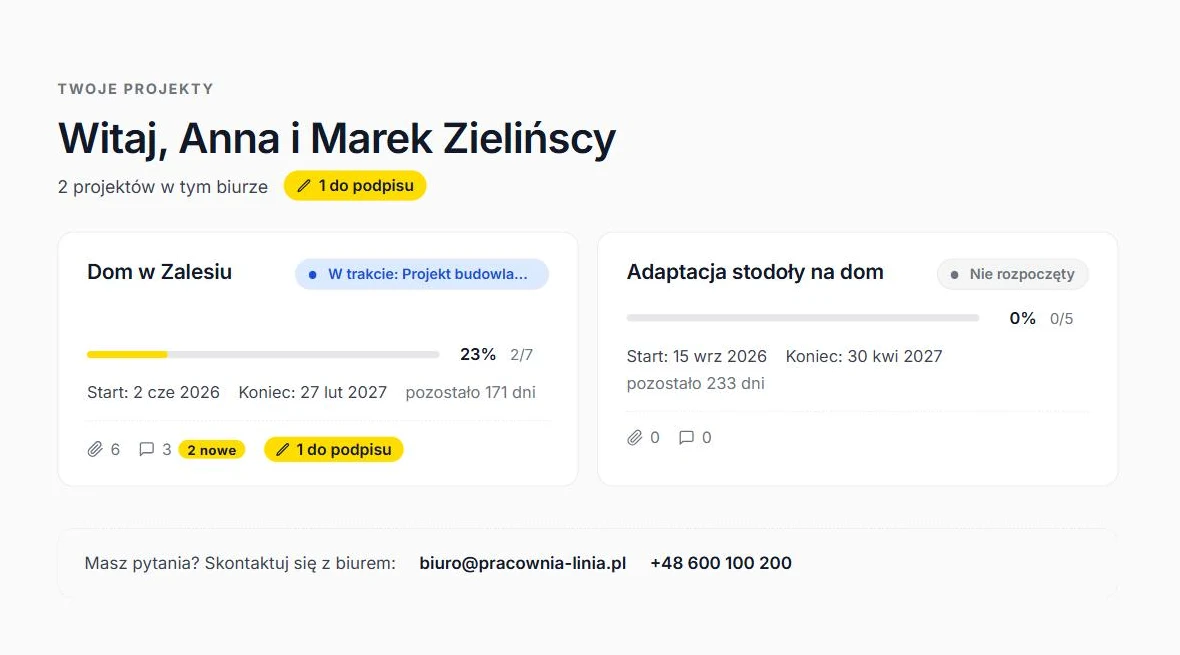
Path two: a tool built for design practices, where the portal is a by-product of normal work. You tick off a stage in the system, the client sees the change on their end. No double bookkeeping.
Start with one project
Whichever path you take, one rule will save you disappointment: start with one project, not a revolution across the whole office.
- Pick a new client.
- Launch the portal at the start of the engagement.
- After a month, ask them directly whether they use it and what’s missing.
- Only then standardise across the rest of the portfolio.
Big-bang rollouts tend to die in week three, when nobody has updated the statuses.
A good usefulness test: if the client hasn’t emailed a single status question in the past month, the portal is doing its job.
What a portal won’t fix
To keep this honest: a portal won’t replace conversation where real design decisions are made. Choosing between two facade options, balancing budget against materials, breaking the news about a delay at the permit office — all of that still needs a call or a meeting, and rightly so. The portal takes the status communication off your plate, the repetitive kind with zero design substance, precisely so more room is left for the conversations that matter.
It also won’t survive a team that doesn’t update stages. A tool showing “concept” for three weeks while the project is halfway through permit design does more damage than no tool at all — the client stops trusting what they see and goes back to calling. That’s why updating the status has to be part of closing a stage, not a separate duty someone is supposed to remember.
The portal as a selling point
Client portals are still rare in architectural practices. The sentence “you’ll get a link where you can always see the current status of your project, all documents, and our whole correspondence” lands very well in proposal meetings, especially with investors who have built before and remember the email-and-phone chaos of their previous experience.
It’s a cheap differentiator. Competing on price hurts. Competing on quality of service, in this case, costs as much as consistently ticking off stages.
If you want to test it in your own practice: pick one upcoming project, set up a portal the week the contract is signed, and count the “any updates?” calls over three months. The result of that experiment will tell you more than any article.
ArchiFlow gives investors real-time visibility into project progress — through one link from the office, with a login if they want one. Ask your architectural office if they use ArchiFlow.
Learn more →